3 Best Planners for ADHD in 2026: Paper, App, Sheet
Best planner for ADHD depends on what you need most: visible paper, phone reminders, or one spreadsheet. Compare the tradeoffs and try a simple test.
By Ultimate Life Organizer by Cosmo Suite · Editorial policy
Published · 10 min read
General information, not medical or mental health advice.
A planner can feel useful on Sunday, then become one more place to check by Wednesday. In one r/PlannerAddicts discussion, the writer says that seeing more than one day at a time feels overwhelming. Commenters mention preferring a simple daily page or a weekly view. One thread cannot speak for everyone, but it shows why layout matters.
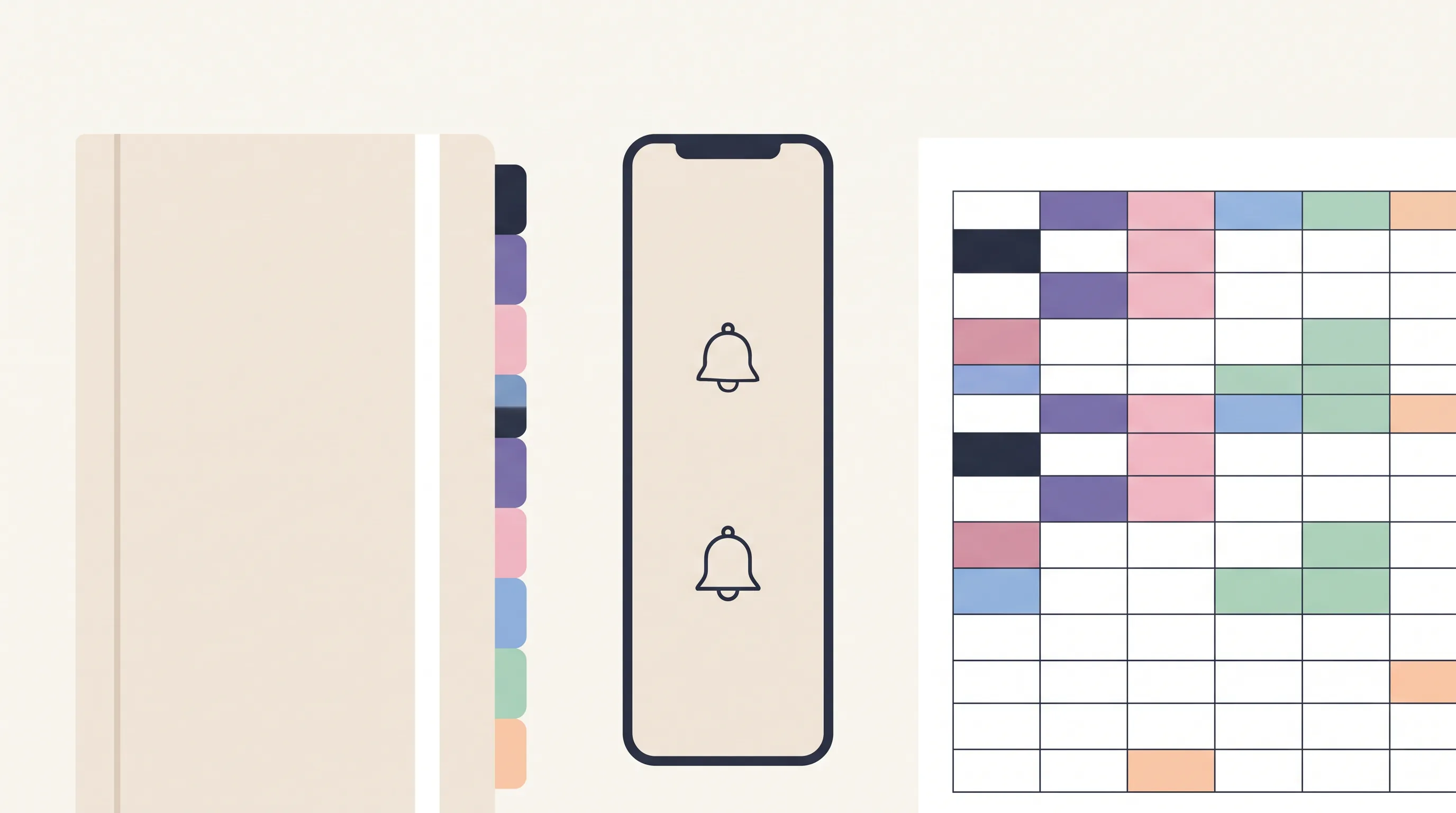
For most adults, the best planner for ADHD is easy to reach, quick to update, and close to the place where tasks come up. Paper stays in view. An app can remind you. A spreadsheet can gather several areas in one file. The comparison below rates format features, not people. It is not a clinical measure, and it cannot predict which one you will use. A one-week trial can expose setup friction.
If the main problem is keeping tasks, bills, meals, and goals in separate places, a ready-made life planner for Excel and Google Sheets is one format to compare.
Key takeaways
- Paper is easiest to see and annotate, but it cannot send an alert.
- Phone apps can remind you and repeat tasks, though they add another screen and often another list.
- A spreadsheet can bring several planning areas together, but it needs a regular place and time to check.
- Try a one-week “open-once check” before buying a complicated system.
Best Planners for ADHD at a Glance
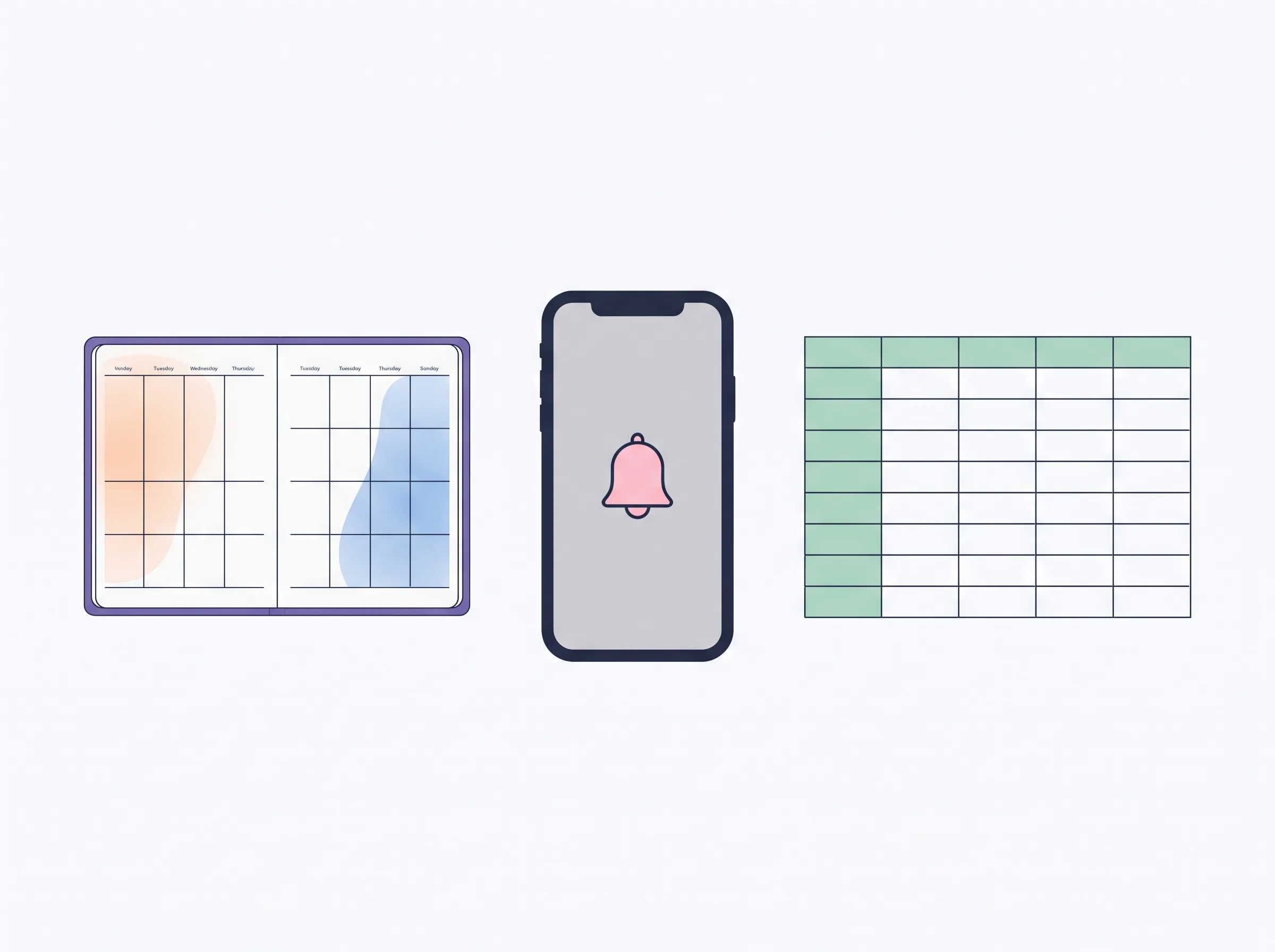
Paper, an app, and a spreadsheet each solve a different part of planning. Paper keeps a page visible; an app can send reminders; a spreadsheet can hold multiple areas together. Use the table to match the tool to your main friction point, then check that you will see it during the day.
| Format | What it does well | What takes effort | Best for |
|---|---|---|---|
| Paper planner | Visible weekly or daily page; quick handwritten capture | Carry it, find the page, copy recurring items, remember to check | People who think by writing and notice a planner left open |
| Reminder-capable task app | Reminders, due dates, repeating tasks, quick mobile capture | Notifications can compete with other alerts; tasks may be split across apps | People who need alerts or already use their phone to plan |
| Configured spreadsheet template | Reusable rows, calculations, and several planning areas in one file | Open the file on purpose; set up or learn the tabs; no phone alerts | People who plan at a desk and want a connected view |
| Two-tool setup | One place for time-sensitive alerts and another for a visible list | Keep the calendar and task list from disagreeing | People who need both reminders and a paper or spreadsheet overview |
CHADD’s National Resource Center guide to day planners describes paper, phone apps, and desktop planning software as formats with different strengths. It points to visibility and handwritten notes as reasons to choose paper, and alerts or calendar syncing as reasons to choose an app. ADDA’s guide to planners for adults with ADHD also notes that physical and digital planners have different tradeoffs, and that people may need to try both. The practical question is which tradeoff makes your own setup easier to check. Read the full guide to choosing a life planner by format.
How Do You Score a Planner Before You Buy?
A feature-fit score is a quick label for whether a format includes a useful function, needs a workaround, or lacks it. Give each format 0 points when a feature is not typical, 1 when it depends on the app or needs a manual step, and 2 when the feature is built in. These totals compare formats against this checklist, not a person’s ability or a treatment result.
| Feature | Paper | Phone app | Spreadsheet |
|---|---|---|---|
| Capture a task where it comes up | 1 | 2 | 1 |
| Send a reminder | 0 | 2 | 0 |
| Repeat a recurring item | 0 | 2 | 2 |
| See the week at a glance | 2 | 1 | 2 |
| Keep several life areas together | 1 | 1 | 2 |
| Feature-fit total | 4/10 | 8/10 | 7/10 |
These ratings are an editorial rubric based on common format capabilities, not a hands-on product test. Paper’s capture score assumes the planner is nearby; an app’s weekly-view score depends on its layout. The spreadsheet score assumes a configured template with repeating entries; a blank sheet needs setup. Microsoft To Do, for example, documents due dates, reminders, and repeat settings from daily to yearly. Other apps vary, so check the features in the one you use. Microsoft To Do’s official reminder and repeat instructions show what one reminder-capable app can provide.
Treat the total as a starting point. If you miss appointments, the reminder row may matter more than the sum. If phone alerts distract you, a paper page could be the better daily view even with a lower score.
Is a Paper Planner Best for ADHD?
A paper planner is a strong choice when seeing the page helps you remember to check it. It does not depend on opening an app, and writing by hand can make it easier to capture a task quickly. The tradeoff is that you must carry it and add recurring appointments again yourself.
A weekly layout works for lists and a few scheduled appointments. A daily page gives more room when the day has many timed commitments. CHADD recommends choosing a page layout based on how many appointments need to fit, then keeping the planner somewhere easy to find. The same guide suggests adding a daily planning session and checking the planner through the day. A weekly spread is a paper layout that shows the days of a week together, which makes it easier to scan upcoming appointments.
For a fair test, leave it open in the place you naturally sit to plan. Write only the next few tasks and any fixed appointments. A dated planner can be awkward after missed days, so an undated notebook or reusable weekly page may suit a reader who does not want blank pages to feel like a backlog.
Best for: someone who likes handwriting, wants a visible week, and can keep the planner in one predictable place.
What to give up: automatic alerts, quick rescheduling across devices, and effortless repetition of weekly tasks. If reminders are the part you need most, a paper-only setup will require another tool.
Is an ADHD Planner App Better?
An app is a good fit when you need reminders or want tasks available wherever your phone goes. Many task apps let you add due dates, repeat tasks, and set alerts. The main cost is attention: the planner lives on the same device as messages, browsing, and other notifications.
Start with a calendar or task app you already open. Make one short list and add reminders only for tasks that truly need one. A recurring task is an item set to appear again on a schedule. Microsoft To Do is one example with documented due dates, reminder times, and repeat options, as shown in the official support page above. That is a product feature, not evidence that the app improves ADHD symptoms.
A dedicated ADHD app may offer visual timelines or task breakdowns, but its description alone cannot tell you whether you will use it. Check the weekly view, how a missed task moves forward, whether it can send the kind of alert you need, and whether the free plan includes the feature you want. Avoid adding a second app until the first one has a clear job.
Best for: someone who forgets fixed-time commitments unless a phone or desktop sends an alert.
What to give up: a quiet screen and a single place for all life admin. For people who switch between multiple apps already, a dedicated reminder tool plus a simple weekly overview can be enough. For a broader comparison, return to the format table above.
Can a Spreadsheet Work as an ADHD Planner?
A spreadsheet can work when you plan from a computer and want dates, tasks, and other areas in one view. A ready-made template lowers the setup burden compared with building every tab yourself. It still needs a reliable check-in time, and it cannot send push notifications.
A spreadsheet is not automatically low-friction. If it takes several clicks to reach today’s plan, simplify the opening view. If typing on a phone is too slow, use a calendar or app for quick capture and transfer only the few items that belong in the weekly plan.
An auto-fill calendar is a calendar view that uses dates or recurring entries already in a template. A connected file can also stop repeated entry. For example, a recurring bill can be entered once and shown in a calendar and a budget view. That is useful for someone who wants money and planning in the same file, but it does not replace a phone alert for a deadline. The life planner overview explains how to compare one connected file with separate tools.
How Can You Tell If You Will Keep Opening It?
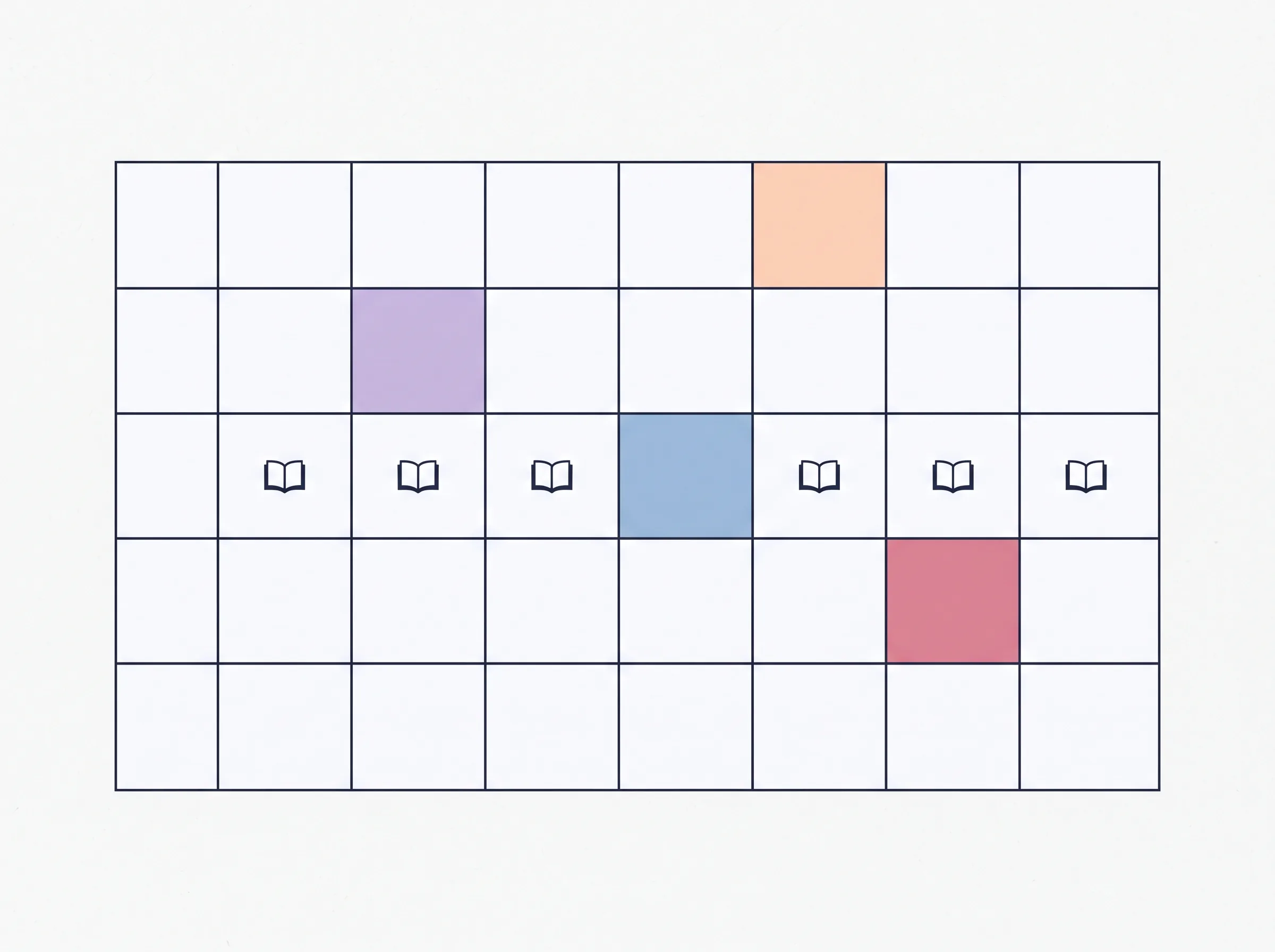
Try the simplest version of a planner for seven days before adding more sections. Record whether you opened it, where you were when you needed to capture something, and what got missed. This is a personal fit check, not a test of discipline or a guarantee that the format will work long term.
Copy this small log into the format you are considering:
| Day | Did I open it? | Where was I when I needed to add something? | What was hard to find? | One change to try |
|---|---|---|---|---|
| 1–7 | Yes / no |
Keep the list short during the trial. Add only tasks and fixed appointments. If you use reminders, set them for events with a time attached. At the end of the week, look for a practical pattern: was the tool out of reach, did the screen pull you elsewhere, or did the view hide what mattered?
Make one adjustment based on what you noticed. Move a paper page, pin the app, reduce the spreadsheet’s opening view, or keep an alert for appointments. One week will not cover every busy period. It can still reveal a setup problem before you invest more time or money.
What Actually Makes a Planner Easier to Reuse?
The part that reduces friction is the number of times you have to enter or look up the same fact. If a bill, task, or appointment is copied into several systems, each copy becomes another thing to maintain. A planner is easier to revisit when one place holds the item and the weekly view shows what is next.
Choose one capture point first. Then decide what needs a reminder and what only needs to appear in the weekly list. Keep recurring items on the format that can repeat them, and put the overview where you will see it. This split is fine if each tool has a clear job and there is no uncertain “which list is current?” moment.
If your planning still involves separate budget, habit, task, and meal files, a ready-made life organizer for Excel and Google Sheets can put those areas into one bundle. It is a spreadsheet, so it will not replace a phone app for alerts. The fit depends on whether a connected file is easier for you to open than several separate tools.
Why Trust This Article
We are the Cosmo Suite team that builds and sells the Ultimate Life Organizer, so we have a commercial interest in one option covered here. Methodology: we compared format capabilities using CHADD and ADDA’s public guidance, Microsoft’s feature documentation, and the five-job rubric above. We checked the sources on 30 October 2026. This is a research-only comparison, not a usability test. The totals are not clinical evidence and do not measure how adults with ADHD perform.
Read more about Cosmo Suite and in our editorial policy. For diagnosis or treatment questions, speak with a qualified health professional. The National Institute of Mental Health’s ADHD guide explains how providers assess ADHD. This article offers general information, not medical or mental health advice.
Where the Ultimate Life Organizer Fits
The Ultimate Life Organizer by Cosmo Suite is a $9 one-time bundle with three spreadsheets for Excel and Google Sheets plus one Notion template. The spreadsheets have 60 tabs in total. They include a life dashboard, goal tracker, budget planner, annual habit tracker, task tracker, weekly meal planner, grocery list, recurring transaction logs, and monthly and weekly auto-fill calendars.
That makes it a possible fit if you want several planning areas in one file and already check a spreadsheet at a computer. It does not send reminders or notifications, sync with a bank, or work as a phone app. Keep a calendar or reminder app for appointments that need an alert.
If a connected sheet matches your routine, see the Ultimate Life Organizer’s Excel and Google Sheets planner bundle. If you need an alert wherever you are, choose a reminder app instead. Choose the format that fits the place you already check.
Frequently asked questions
What is the best planner for ADHD?
The best format depends on what you need it to do. Paper stays visible and makes quick notes easy. A phone app can send reminders and repeat tasks. A spreadsheet can keep several planning areas together, but it will not send notifications. Pick the one that fits where your day happens.
Is paper or digital better for ADHD?
Neither format is better for everyone. Paper suits people who remember to check a physical page and like writing by hand. Digital tools suit people who need reminders, recurring events, or a phone-based list. Some people use both, with one source of truth for appointments.
What should an ADHD planner include?
Start with a weekly view, a short task list, a reliable place to capture new items, and a way to see due dates. Add reminders if you tend to miss scheduled tasks. A planner with many sections can take longer to maintain, so add only what you use.
Can a spreadsheet be an ADHD planner?
Yes, if you already open a computer or spreadsheet during the day and want a few life areas in one file. A ready-made sheet can reduce setup. It cannot send phone alerts, so keep a reminder app or calendar for time-sensitive appointments if you need one.
How do I stop abandoning planners?
Make the first version small. Put it where the task happens, use one capture point, and review only the next day or week. If you stop opening it, note what got in the way and change one part. Leaving a planner unused is a sign to adjust the setup, not a verdict on you.
Should I use a planner instead of getting ADHD support?
No. A planner is an organization tool, not diagnosis or treatment. For clinical questions, speak with a qualified health professional. The National Institute of Mental Health explains how ADHD is assessed and treated.
Sources
Keep reading
Choose Your Planner
6 Best Life Planners Worth Trying in 2026, by Format and Real Cost
Best life planner picks for 2026: Erin Condren, Passion Planner, Notion, apps, Google Sheets and a $9 file, with prices checked 8 Oct 2026 and who each suits.
· 9 min read
Choose Your Planner
Life Planners That Actually Get Used (Matched to How Many Apps You Juggle)
Life planner options compared: paper, separate apps, Notion and a spreadsheet, with what each costs over three years and which one you'll keep opening.
· 9 min read
Choose Your Planner
What Is a Life Planner? A Plain Guide to What It Holds
What is a life planner? Five areas it might cover, plus a way to choose what belongs in yours and what can stay out of your weekly routine.
· 8 min read
