How to Organize Your Life Without Five Different Apps
How to organize your life in five areas: money, tasks, habits, meals, and goals. Start with one source for each detail and a simple review.
By Ultimate Life Organizer by Cosmo Suite · Editorial policy
Published · 9 min read
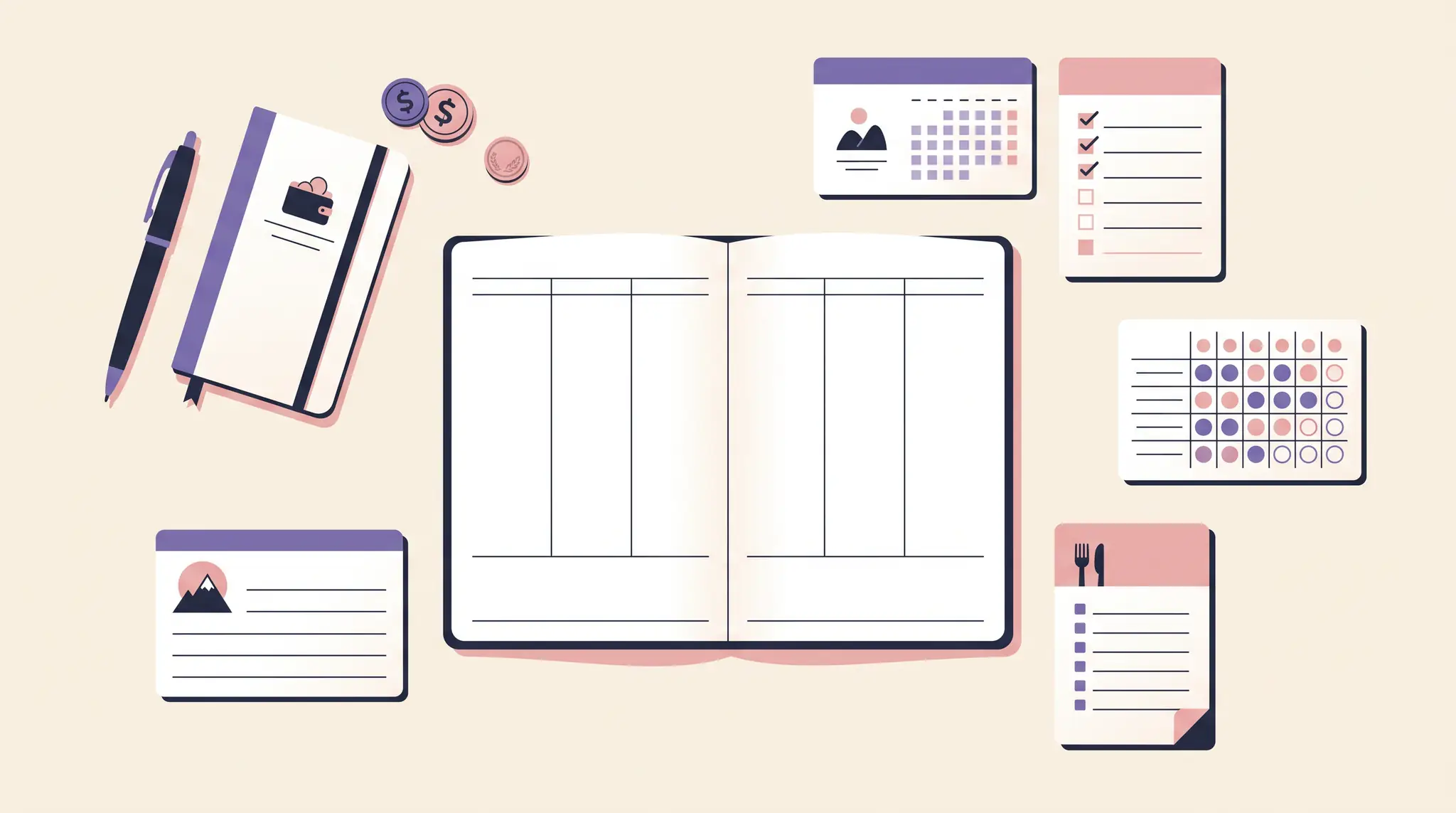
When bills sit in one app, appointments in another, and plans in a notebook, it takes work just to find the current version. You can organize your life without moving everything into one giant system. Start with the next real deadline, give each recurring detail one reliable home, and set a time to review it.
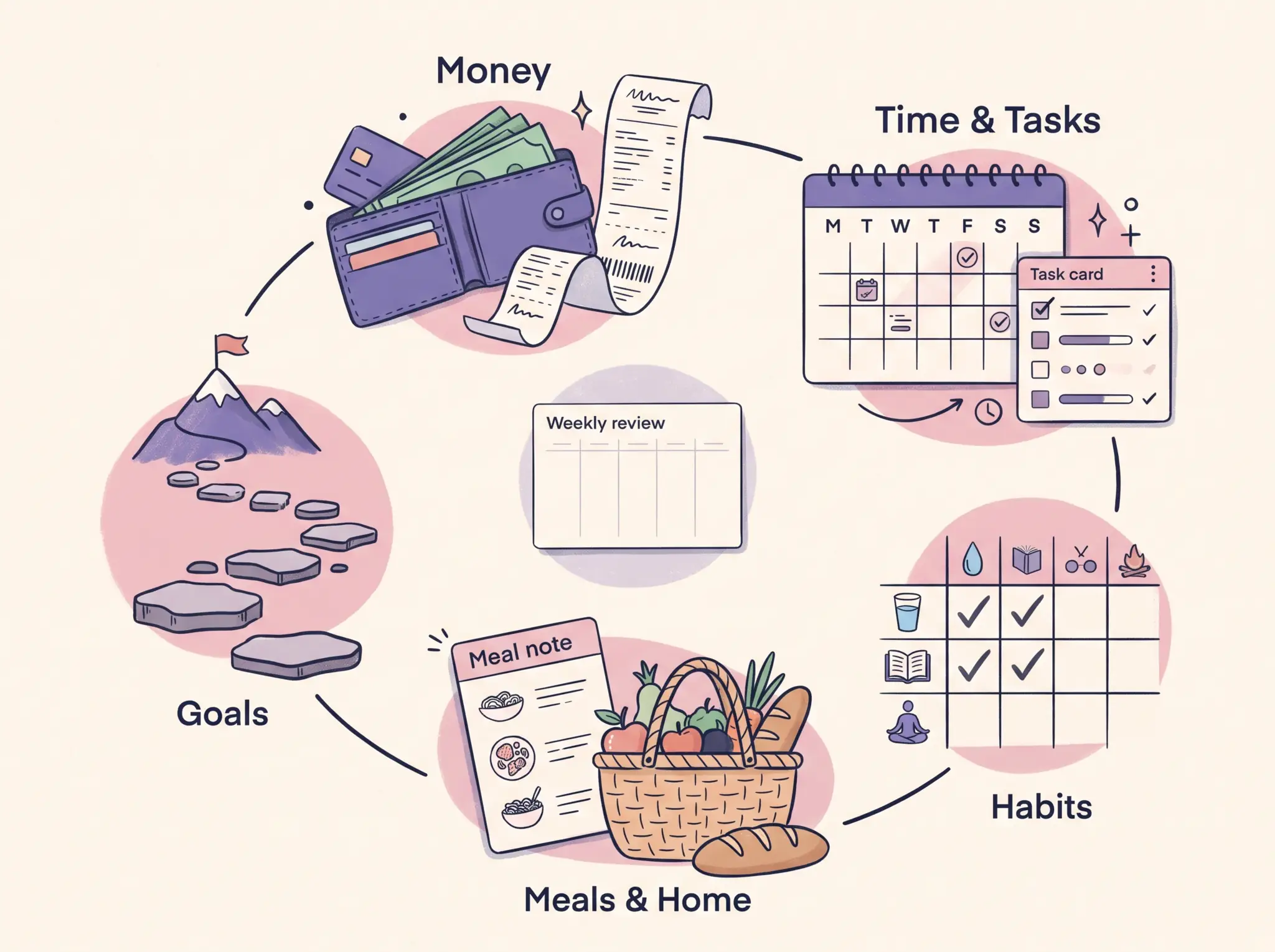
Use this order: money, tasks and time, habits, meals and home routines, then goals. It gives urgent and repeating responsibilities a place first, then leaves room for the parts of life you want to plan. You can stop after any step and keep the setup that already helps.
Key takeaways
- List where your current plans live before you move anything.
- Give each recurring detail one source and choose when you will check it.
- Build the plan in five areas: money, tasks and time, habits, meals and home routines, and goals.
- Keep calendars and apps that provide alerts or shared access.
- A skipped review is a cue to restart with today's details.
Life Organization at a Glance
Start with the area that has the next real decision, deadline, or repeated responsibility. Organizing your life works better as a sequence of small choices than as a demand to track every part of it at once.
| Area | First detail to gather | Useful next view |
|---|---|---|
| Money | A due date or recurring item you already manage | Your next bill check or monthly review |
| Tasks and time | An action, its next step, and a real due date | The week or calendar where you plan it |
| Habits | One routine you want to notice or repeat | A check-in that fits the routine |
| Meals and home | A meal decision, errand, or shared task | The shopping list or household plan |
| Goals | A goal you still care about | One next action and a date to revisit it |
These are prompts. You might have no reason to track habits, or you may already keep meals in a household app. Keep a useful source in place. A life planner can give you one place to review several plans while each record stays in the tool that already holds it.
How Do You Organize Your Life When Everything Is Scattered?
Make a quick inventory of the places you already use, then choose the current source for each detail. This gives you a map before you start copying information, and it helps you spot two lists that compete to be the correct one.
Write down the tools that hold current information: your calendar, task list, bill or account record, paper notes, meal plan, and goal list. Beside each item, mark where you would go to confirm it. If the same appointment or bill appears in two places, decide which one is authoritative and what the second view is for.
Then pick a review cue. It could be when you plan the week, after you receive a bill, or when you open your calendar on a particular day. Choose a cue already in your routine so the review attaches to something you do now.
Todoist's guide to organizing work, home, health, and finances recommends planning ahead and applying a framework across life areas. Zen Habits' reader-submitted organization tips include keeping a workable task list and choosing a tool. A useful sequence is to settle where information lives first, then plan the five areas.
If you want a ready-made set of planning pages instead of arranging them yourself, the Ultimate Life Organizer bundle for Excel, Google Sheets, and Notion is one option to compare with your current tools. You can also use the steps here with paper or apps you already have.
Where Should You Start With Money?
Start with a money item you already need to review, such as a bill's due date or a recurring payment. Put the current details in the record you trust, then make the next check visible in the place where you plan your week.
Keep the record simple: what the item is, where its official amount or status comes from, and when you next need to look at it. The source may be a provider account, bank record, or the financial tool you already use. Keep official records as the authority; use a planner to remember when to check them.
If a paper prompt is easier, the Consumer Financial Protection Bureau's Your Money, Your Goals toolkit includes a bill calendar worksheet. It is a way to list dates for review; use the provider or account record for current amounts and payment status.
If the amount changes, update the source first. Any reminder or planning view should point back to that version. This avoids a common bit of admin: opening two lists and trying to decide which one is current.
For privacy and accuracy, keep passwords, full account numbers, and sensitive financial records in the proper secure service. A personal planning page needs enough information to prompt a review. It does not need a copy of every statement.
How Do You Organize Tasks and Time?
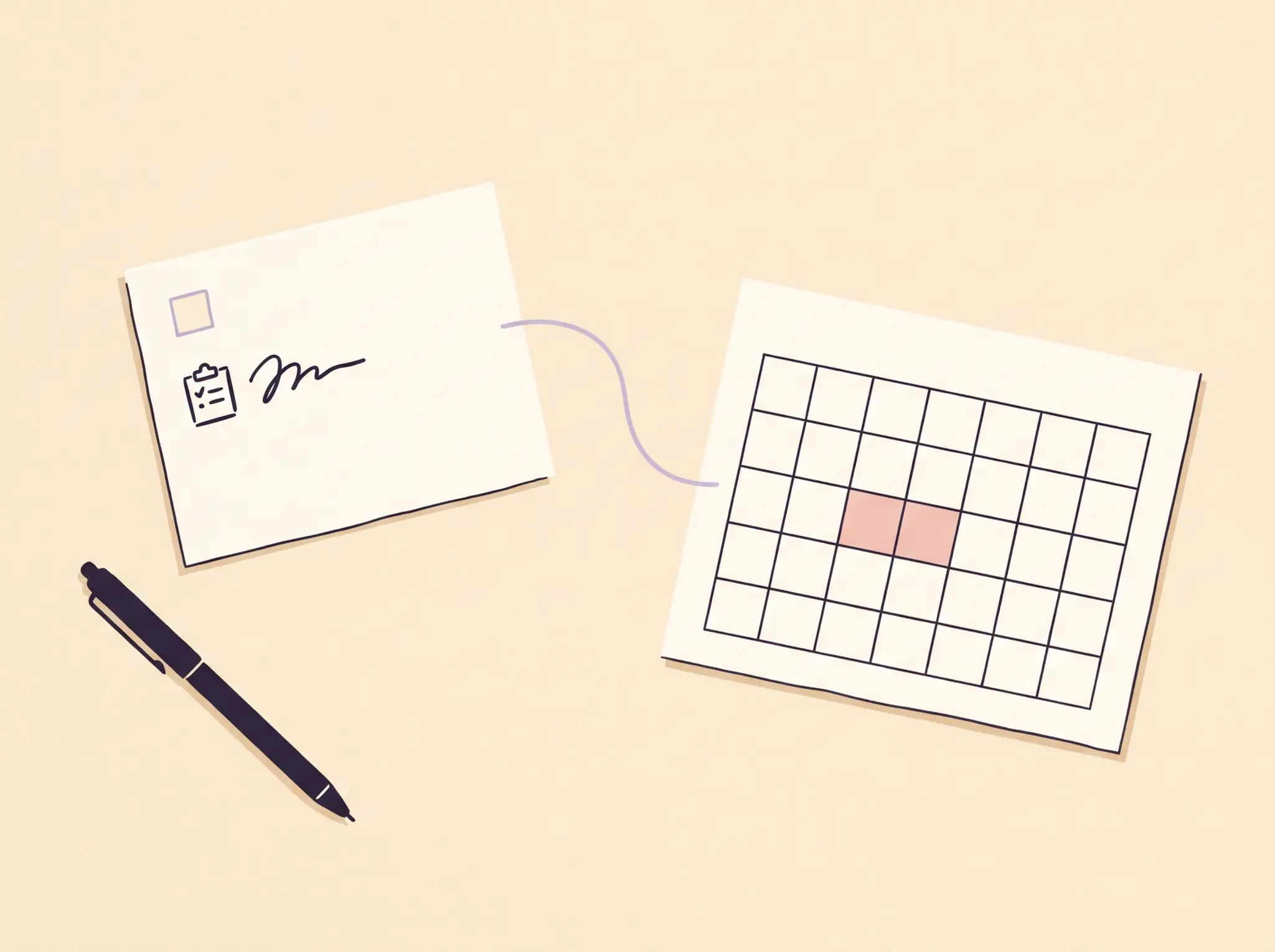
Give tasks and appointments separate jobs. A task list holds actions you can complete; a calendar holds events and dates that affect when you can act. A weekly view can bring them together for planning while each source stays clear.
Write a task as a visible next action. “Sort the paperwork” is broad; “find the renewal letter” gives you a place to begin. Add a date when someone needs the work by or when the action must happen. A due date on every item can make a list harder to scan.
For appointments, shared events, and phone alerts, keep the calendar app that already serves those needs. Todoist's article suggests planning ahead and placing small tasks on the schedule. Use that as a prompt to decide what deserves space in the week; schedule the actions and events you mean to do. Leave room for changes and ordinary unplanned work.
Google's Calendar help page explains how to create an event in a shared calendar. If other people need to see an appointment or you rely on calendar alerts, keeping that calendar as the source makes the handoff easier.
Before a weekly review ends, check three things: what is already dated, what action has a real next step, and what can wait. If someone else shares the task, make the owner clear. That makes it easier to ask about progress without searching through several lists.
What Should You Do With Habits and Health Plans?
Choose one behavior or personal measure only when you know why you want to review it. A small tracker is easier to check than a long list whose entries do not change what you do next.
You might want to remember a recurring stretch break, note whether you prepared lunch, or keep a record for a conversation with a qualified professional. These examples are ordinary planning prompts, not health advice. A tracker cannot diagnose a condition or replace care from a clinician.
Decide how often you will look at the record. If you will not use the information in a review, leave it out for now. You can add a measure later when a specific question makes it useful.
How Do You Organize Meals and Home Routines?
Connect a meal or household plan to one next action. A meal idea can lead to a shopping note; a home task can have an owner and a day to revisit it. The aim is to make the handoff easy to find.
Keep the shopping list where it is convenient when you are at the store. If several people use it, choose a shared place they can access. For household work, write who will do what when that matters. A list of chores without a clear handoff can leave everyone assuming someone else has it.
You do not need a detailed menu to make the area useful. A short set of meal decisions for the coming days may be enough. If meals are already handled by a service, recipe app, or household routine, keep that in place and record only what belongs in your review.

How Do You Organize Goals?
Give each goal a next action and a date to revisit it. A goal becomes easier to plan when you can see the next step and decide when you will check whether it still matters.
For example, someone planning a move might write “compare storage options” as a next action and revisit the plan after checking the lease date. This is an illustration, not a recommendation to rent storage. The action is concrete enough to start, and the review date gives the plan a place to change.
Keep long-term goals in a view you naturally return to. If you want a format comparison before choosing, our life planner guide covers paper, apps, workspaces, and spreadsheets. The life organizer guide explains what a broader organizer can hold.
What Keeps the System Current?
Use one short review to check the source, the next action, and the next time you will look again. A system stays useful when each detail has a clear home and the upkeep fits the routine you already have.
A source of truth is the current record you check when two copies disagree. A weekly review is a recurring check of the dates, actions, and plans you need for the coming week.
Try the same check for one recurring item from each area:
- Source: Where is the current version?
- Action: Is there a real next step or date?
- Review: When will I check it again?
If you find two competing copies, choose the source and remove the duplicate from the active view. Keep older records in a separate place when you need them for reference.
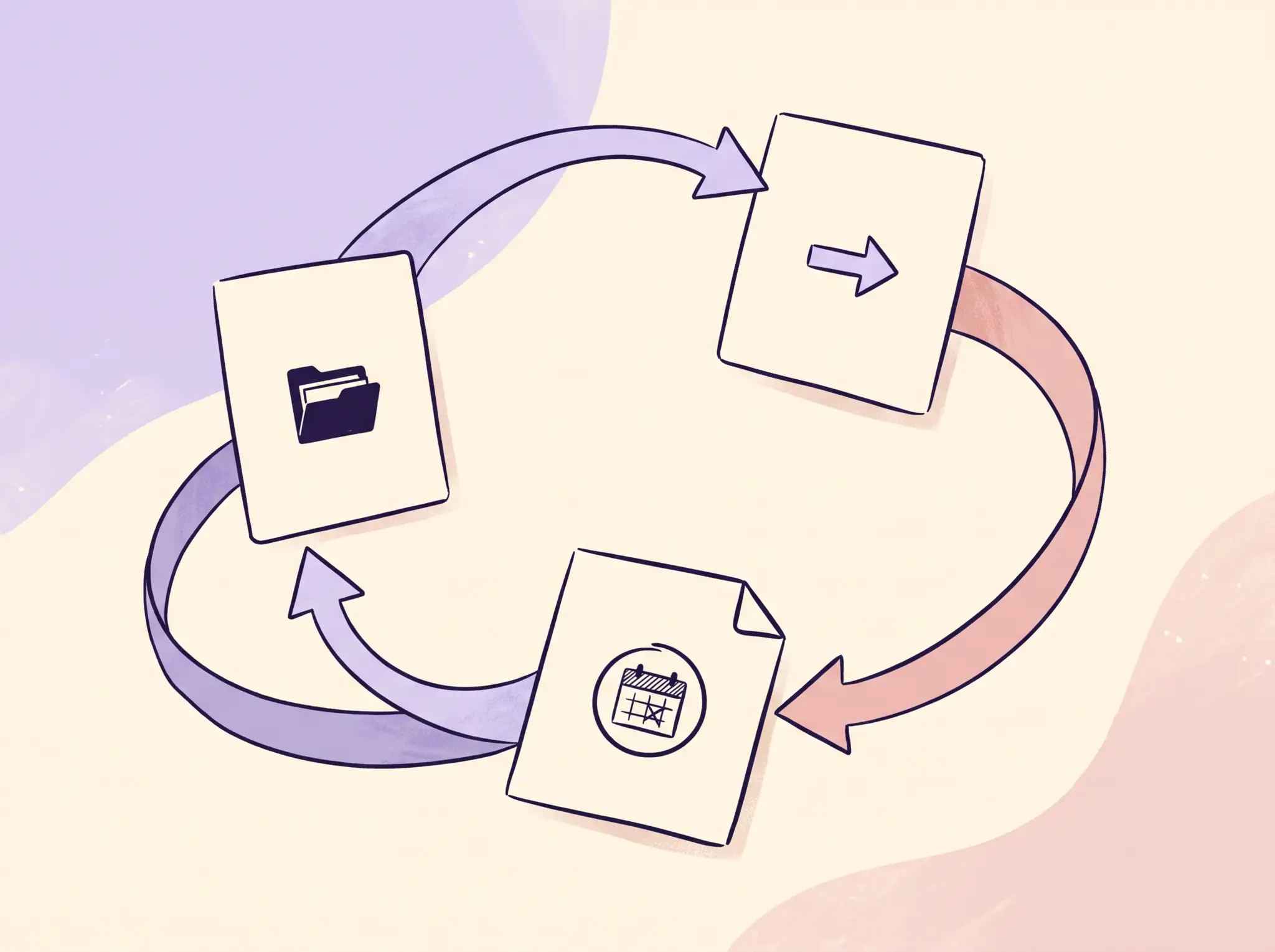
If you miss a week, open today's view and remove anything that has passed. Keep the next item that still matters. Zen Habits' reader tips include simplicity and a single workable list; that is a useful standard when a setup starts asking for more upkeep than you can give it.
For a weekend-sized reset, see our guide to getting your life together in one weekend. If you prefer planning in one connected set of ready-made files, you can review the Ultimate Life Organizer contents and compare them with the areas you chose.
Why Trust This Article
We are the Cosmo Suite team, and we sell the Ultimate Life Organizer. The five-area order here is a practical organizing framework, not a result from a user study or a timed product test. Todoist and Zen Habits are cited for the organizing approaches on their pages. Read about Cosmo Suite and our editorial policy to learn how we prepare and correct articles.
Where the Ultimate Life Organizer Fits
The Ultimate Life Organizer by Cosmo Suite is a one-time bundle listed at $9. It includes three spreadsheets for Excel and Google Sheets, plus Notion Life OS. The spreadsheet set includes a Budget Planner, Habit Tracker, and Task Tracker. Check the current Ultimate Life Organizer contents to see the included files and formats.
The bundle can suit someone who wants prepared planning tools in one purchase. Separate apps and calendars may still be a better fit when phone alerts, shared calendars, or mobile reminders are central to the routine. Choose the arrangement that you can keep current. The Ultimate Life Organizer homepage has the present offer and contents.
Frequently asked questions
What is the first step to organizing your life?
List the places where you keep current plans, such as a calendar, task app, paper notebook, or bill record. Choose one source for each recurring detail and decide when you will review it. Start with the next real decision or deadline instead of moving every note at once.
How can I keep track of tasks and appointments together?
Keep actions in a task list and dated events in a calendar. A weekly view can help you see both, while the calendar stays the source for invitations, shared access, and alerts. Link or copy only the details you need for the review.
What should I include in a life organizer?
Begin with the details you already review: recurring money tasks, dates and actions, a routine or habit, home plans, and a goal's next step. Add a section when it helps you make a decision or remember something. Leave out details that have no clear use.
How do I organize bills and household tasks?
Keep each bill in the record that holds its current amount and due date, then add a reminder or review date where you will see it. Give a household task a clear owner and next action when other people share it. A planner is not a substitute for an official bill or account record.
Do I need one app to organize my whole life?
No. One app can suit you if it handles the jobs you need. A calendar app can remain useful for reminders and shared schedules, while paper, a spreadsheet, or a digital workspace holds other plans. Choose the arrangement you can keep current.
How do I restart after I stop using a planner?
Open the planner at today's date and collect only the details that still matter. Remove expired tasks, check the next real deadline, and choose a review cue you already have, such as the start of a workweek. You do not need to recreate every missed entry.