Life Dashboard: What It Is and the One Thing That Makes It Work
Life dashboard explained: which tiles earn a place on it, which tab feeds each tile, and how a single entry per item keeps the screen current.
By Ultimate Life Organizer by Cosmo Suite · Editorial policy
Published · 9 min read
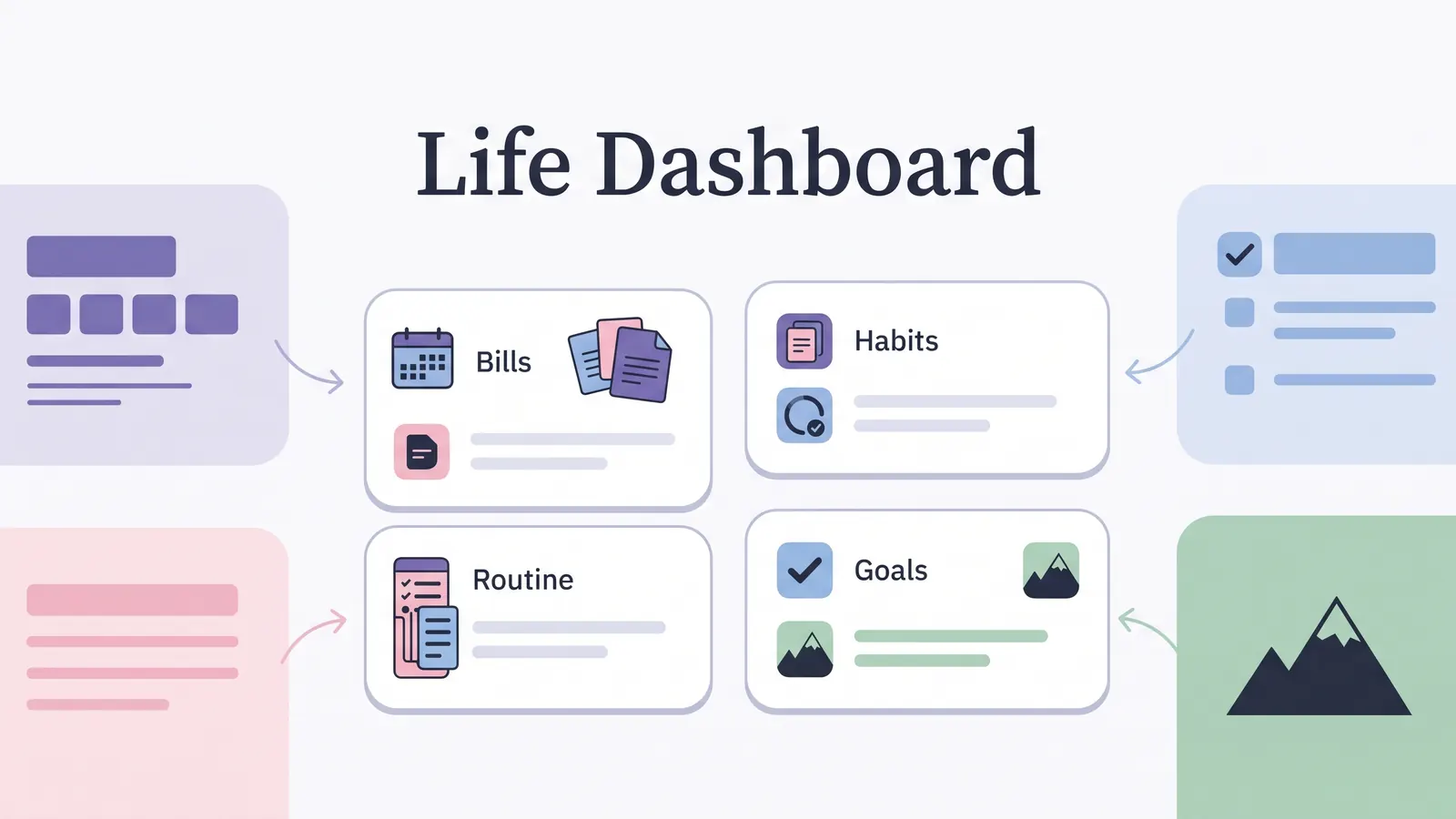
Money sits in one file, tasks in another, and goals in a notebook, so a dashboard sounds like the fix. A life dashboard is one screen that shows the few things that matter now, pulled from the places where you already record them. It works only when every tile reads from one entry you make once. The dashboard only displays; you type somewhere else. Below you'll find what belongs on one, which tab feeds each tile, and how to keep it current. You'll also see where the Ultimate Life Organizer fits, and when paper or a calendar is the better choice.
Key Takeaways
- A life dashboard shows a few current items and reads them from places you already record, so it needs no typing of its own.
- Every tile should have one source entry and one next action. If you can't name the source, delete the tile.
- Keep upkeep in the source tabs, and review the dashboard on a set day so you can prune tiles you never use.
Life Dashboard at a Glance
Where you build a life dashboard matters less than whether each tile has one source. Four common ways to build one are below, with what decides whether each works.
| Where you build it | What you get | What decides if it works | Best for |
|---|---|---|---|
| Notion template | A ready layout you edit as pages | Whether you already live in Notion | People who like building and editing pages |
| Spreadsheet in Excel or Google Sheets | Tiles calculated from other tabs | Whether tabs feed the dashboard | Numbers such as money, habits and task counts |
| A task or work app | Goals and tasks in one product | Whether your life is mostly tasks | Alerts and shared work |
| Paper or a wall board | A page you write yourself | Whether you think by writing | A household view you glance at in the hall |
A calendar app wins when you need alerts or a schedule the whole household shares. Paper wins when writing is how you think. A spreadsheet wins when most of what you track is numbers. Whichever you pick, the rule below decides whether the dashboard stays useful.
What Is a Life Dashboard?
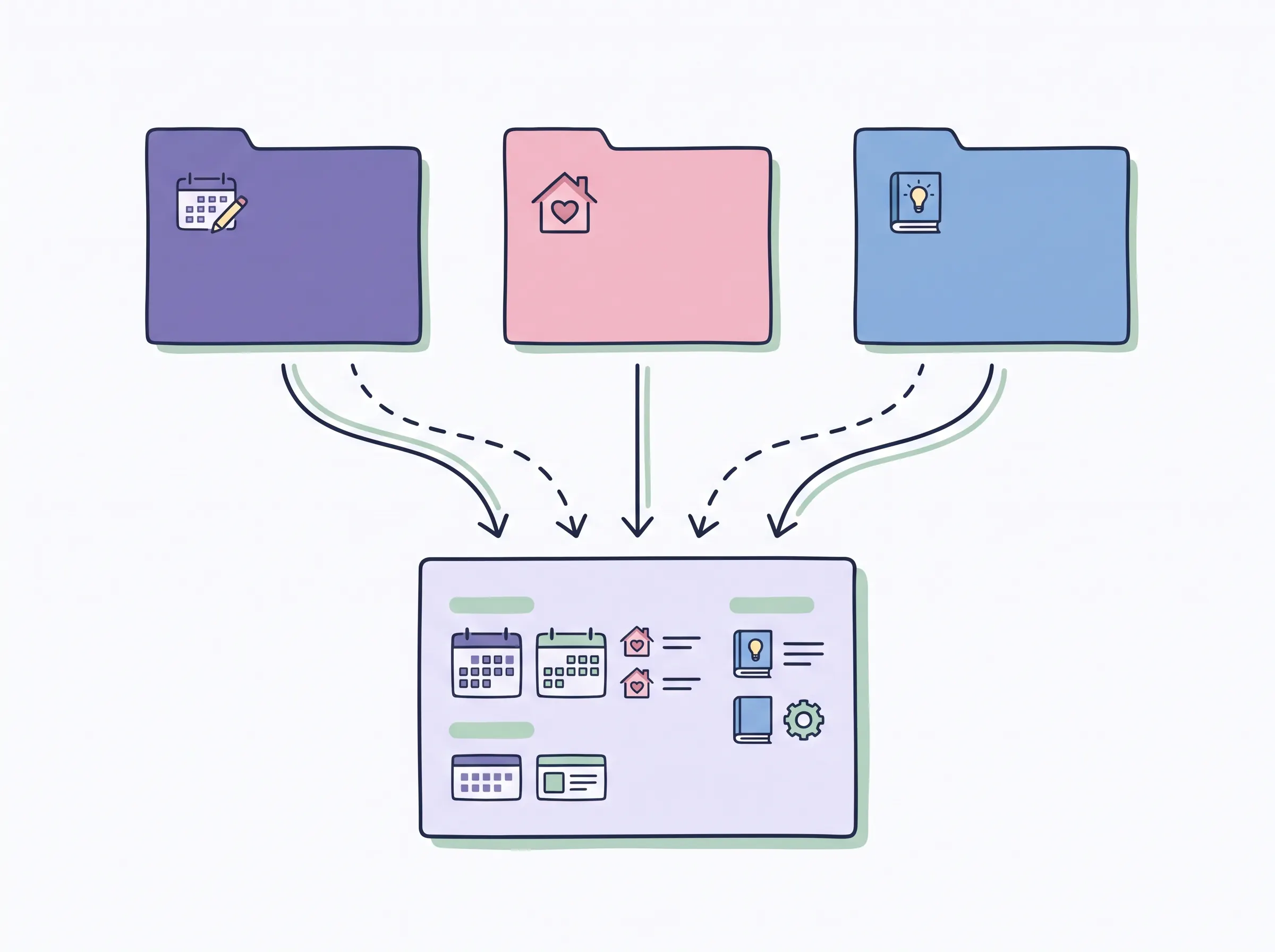
A life dashboard is a single view that reads from the places where you record your life. It displays what's there and stores nothing. The records live in your tabs, pages or notebook, and the dashboard summarizes them.
That sets it apart from a life planner, which is the set of places where you record things: bills, tasks, habits, goals. A dashboard is the daily or weekly look at what's due and what's moving. If you want the wider picture, there's more on how a connected life planner is set up.
Scattered places are why a dashboard appeals, and they're also why it fails. If each tile needs its own typing, you've added a fourth place to update. The Ultimate Life Organizer from ultimatelifeplanner.site goes the other way, with one connected set of spreadsheets for money, habits and tasks, where the dashboards read from the tabs you already fill in.
What Should Go on a Life Dashboard?
Put on it the few things that matter right now, and leave off everything else you track. Typical candidates are goals, habits, tasks, a view of the week ahead and a money summary. Carnegie Mellon University's data visualization guidelines say dashboards suit high-level indicators that you review frequently (Carnegie Mellon University). That's design guidance and says nothing about personal behavior, but it points the same way: start with fewer tiles than you think you need. A short screen is easier to keep honest, and you can add a tile later when you notice you miss it. The table further down maps six such tiles to the tabs that feed them.
Three short rules apply to every tile.
- One tile. A tile answers one question, such as "what is due this week?" If it answers two, split it or cut one.
- One input. A tile reads from exactly one place where you enter the data once. If two tabs would both need your typing, the tile will go stale.
- One next action. A tile should point to a single thing to do next. A number with no action attached is decoration.
The test is simple. If you can't name where a tile's number is entered, delete the tile, because a number you can't trace is hard to trust. A money tile, for example, should read from the transactions and recurring bills you already record, and never from a figure you type separately.
To decide which sections to keep overall, the sections a life planner template should hold covers the year, month and week layer under a dashboard.
What Decides Whether a Life Dashboard Works?
A life dashboard works when every tile is fed by an entry you were going to make anyway. It fails when a tile needs its own typing. That's a setup problem, and nothing to blame yourself for.
Here's a risk to design around, offered as advice and not as research. If a dashboard depends on two or three places being updated, one can slip and the screen becomes hard to believe.
The fix is to enter each item once, at the source, and let the tile read it. When you can type an entry once and have the dashboard update, the dashboard costs you nothing extra to keep. When you can't, you're maintaining a second copy of your life, and that copy will drift.
Spreadsheets make this concrete. In Google Sheets, you select cells and insert a chart, and you can change the chart's data range later (Google Docs Editors Help). Excel works similarly: you select the data, choose a chart type from the Insert tab, and can edit the chart's data afterward (Microsoft Support). In both, the chart is tied to a data range, so the work is keeping that range fed by entries you already make.
Which Tab Feeds Each Tile?
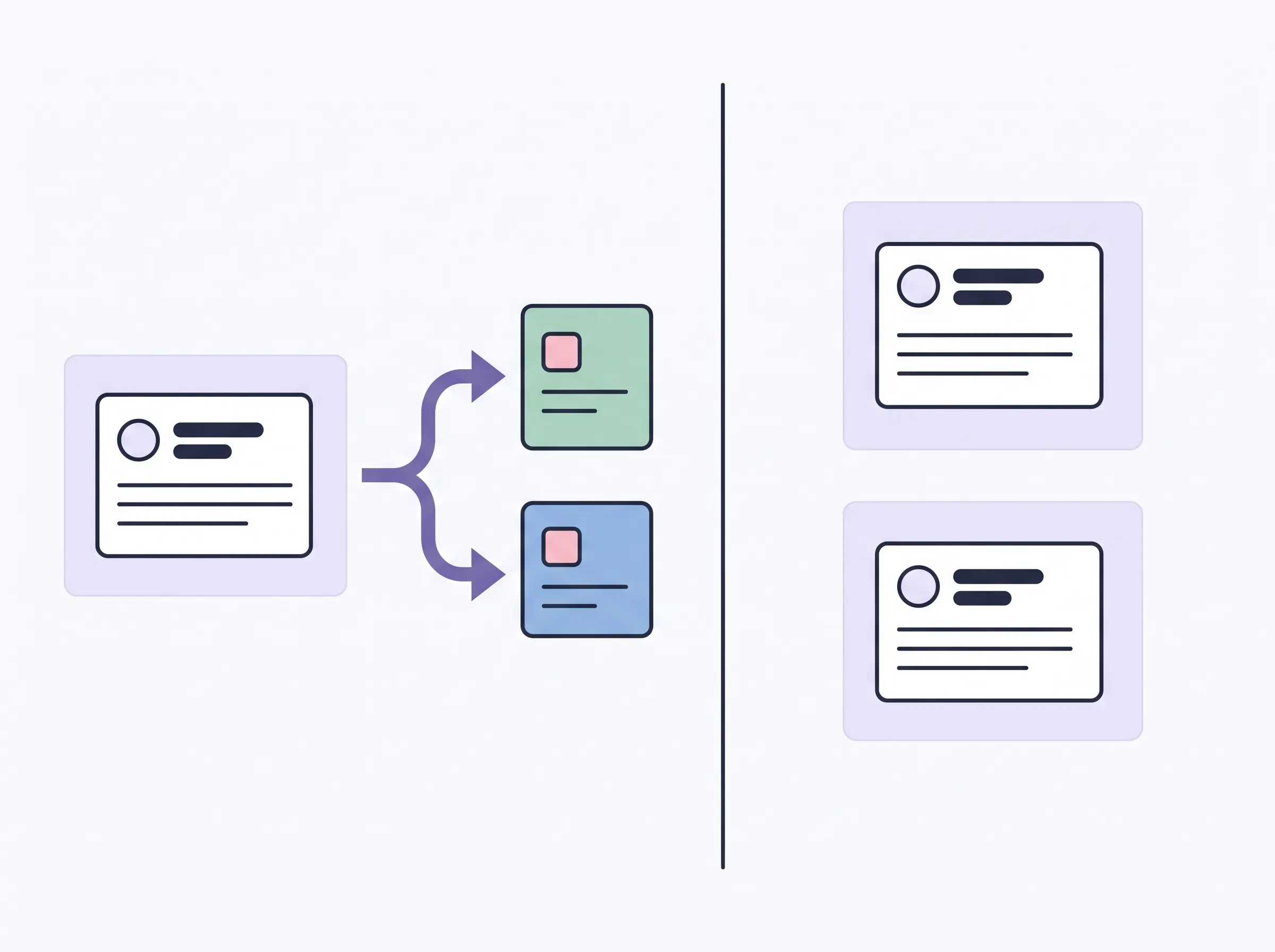
Each tile has one source tab, and that tab sets how often you touch it. The map below uses the three spreadsheets in the Ultimate Life Organizer, which include dashboards in the Budget Planner, Habit Tracker and All-in-One Task Tracker. The exact tab labels are in the workbook.
| Tile | Source you enter in | How often you enter | Next action |
|---|---|---|---|
| Budget vs actual | Transactions, including recurring bills and income | Recurring: once. Variable: as it happens | Look at one category that ran over |
| Payments this week | The automated calendar, built from the recurring entries | Nothing extra | Confirm this week's payments are paid |
| Habit completion this month | The month's tracker, one of 12 monthly trackers | Daily check-offs | Tick today's boxes |
| Open tasks and deadlines | Task logs, read by the task dashboard | When a task comes up | Do the next item due |
| Yearly goals | Annual goals in the Ultimate Habit Tracker | Set at the start of the year | Move one goal forward one step |
| The year in review | The year in review, built from the year's entries | Nothing extra | Read it once, then plan the next year |
Outside recurring entries, the "how often" column is advice on a sensible rhythm and says nothing about how the file behaves. For a closer look at how tabs link in a spreadsheet planner, see a tab-by-tab look at a Google Sheets planner.
The "how often" column is the dashboard's real upkeep. The screen itself needs no typing. Your effort goes into the entries on the left, and the cheaper those are, the longer the dashboard stays current.
The U.S. Department of Justice COPS Office dashboard guide recommends showing key data clearly, organizing views consistently, and explaining methodology (U.S. DOJ COPS Office). It's guidance for building dashboards and isn't research on how people behave. Applied here, it suggests a few habits:
- Keep each tile to one clear number.
- Lay the tiles out the same way every time.
- Write one line on where each number comes from. The "Source you enter in" column above is that line.
How Does One Entry Reach the Dashboard?
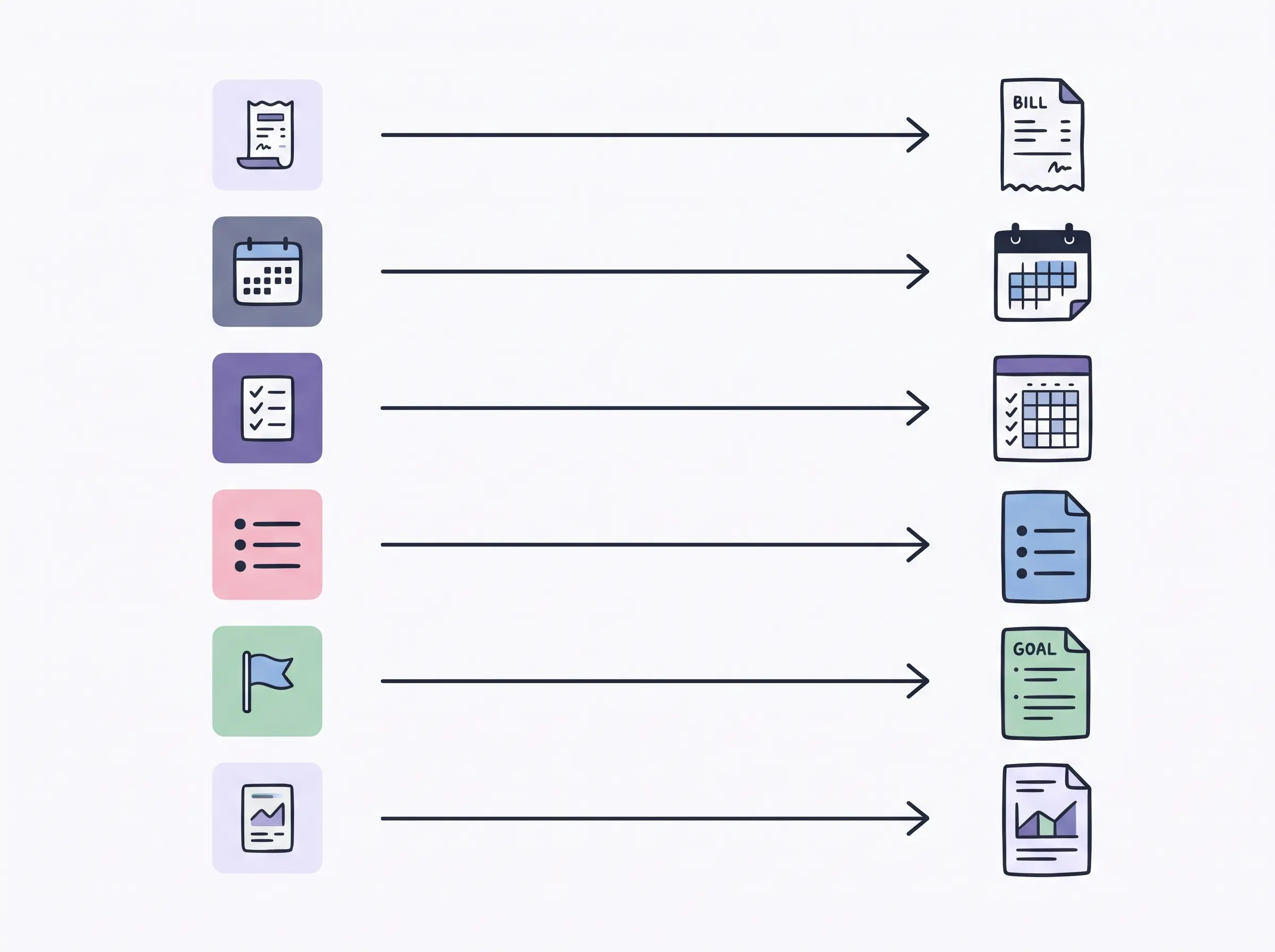
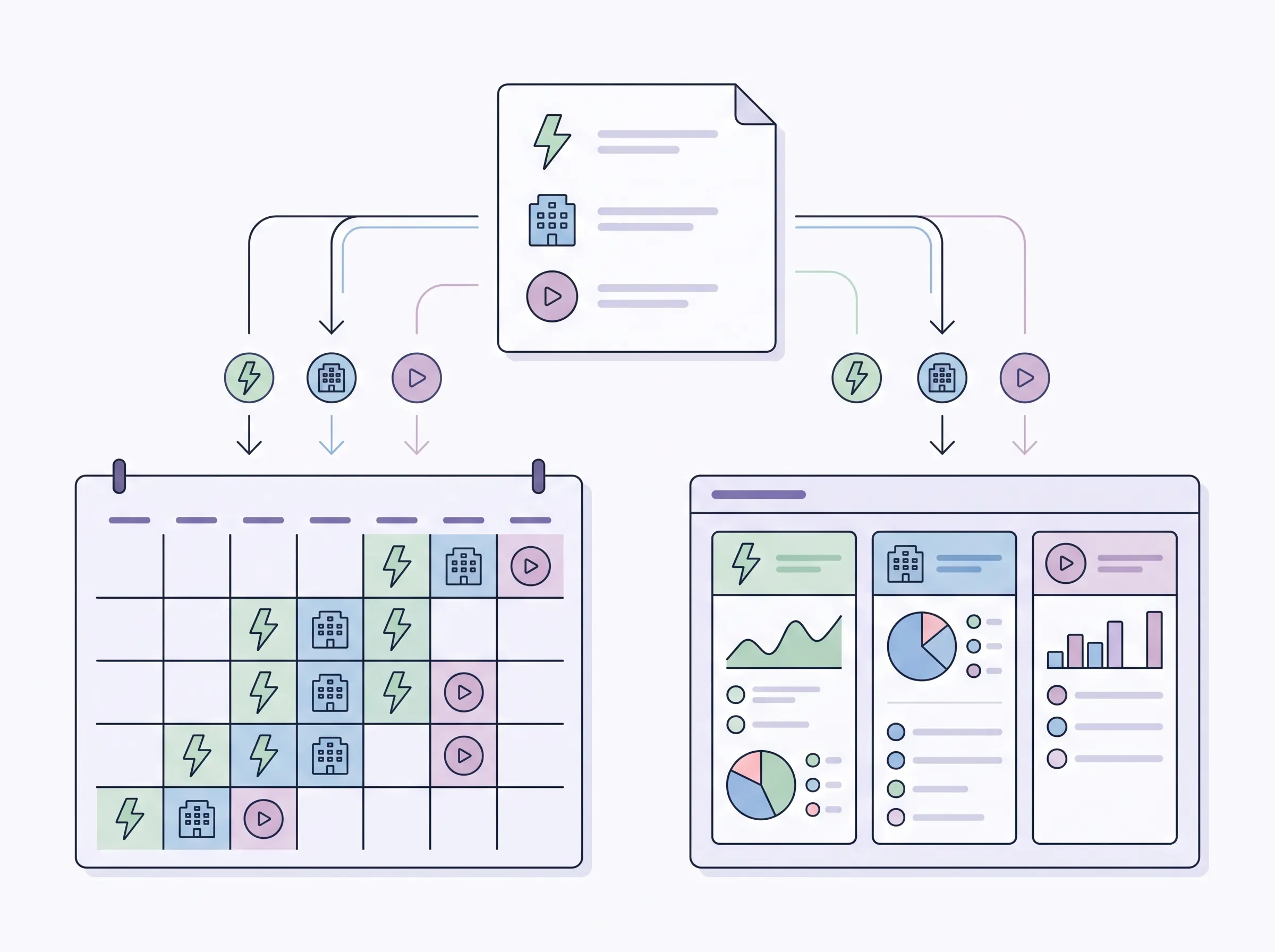
You enter a recurring item once, and it shows in more than one place without a second entry. Take a hypothetical month.
The amounts are round numbers for illustration, and they aren't a budget recommendation or financial advice. Say your monthly bills are rent of $1,200, a phone plan of $45 and one streaming service at $15.
- Enter rent, the phone plan and the streaming service once each as recurring bills, with a monthly frequency and a first payment date.
- They appear on the automated calendar, so the week's payments are visible without retyping.
- As you mark each one paid, the entries feed the budget view, so you can compare planned and actual.
The math is short. $1,200 + $45 + $15 = $1,260 a month. That's three entries instead of 36 if you retyped each bill every month for a year, and no mismatches to chase.
There's one limit to state plainly. In a spreadsheet, you type or paste your entries yourself, so if you want transactions to arrive without any typing, a spreadsheet isn't that tool.
How Do You Keep a Life Dashboard From Going Stale?
Keep the upkeep in the source tabs, and look at the dashboard on a schedule. Everything in the "how often" column is a rhythm: recurring entries once, habits daily, tasks as they arise, goals yearly. Carnegie Mellon's guidelines also note that dashboards require regular maintenance. As design guidance, that fits this setup, since the maintenance sits in the few source entries and the screen needs none.
Pick one day each week for a short look. That's a suggestion and not a rule. Open the dashboard and ask of each tile: did I read this, and did it change what I did? If a tile never gets read, delete it. A smaller dashboard you trust is worth more than a full one you ignore.
A tile earns its place by prompting one next action. When it stops, it's clutter, and removing it takes ten seconds.
Some jobs belong to another tool. A spreadsheet dashboard is something you open on purpose, so it won't call you. If you need alerts or a schedule shared with the people you live with, pair the file with a calendar and let each do what it's good at.
Why Trust This Article
We're the Cosmo Suite team, and we sell the Ultimate Life Organizer, so our view favors spreadsheets. Product details here come from the product's own contents list. The help pages and design guidance were checked on 2026-11-15, and we didn't test or review any product for this guide. The money example is hypothetical general information and not financial advice, so verify anything before you act on it. Read who we are and how we write and check posts.
Where the Ultimate Life Organizer Fits
Ultimate Life Organizer by Cosmo Suite (ultimatelifeplanner.site) is a bundle of three spreadsheets for Excel and Google Sheets, plus one Notion template, sold as one download. The spreadsheets are the sources in the table above.
- Ultimate Budget Planner (28 tabs): transactions, recurring bills and income, an automated calendar, monthly budgets, debt, savings and net worth.
- Ultimate Habit Tracker (21 tabs): 12 monthly trackers, a dashboard, annual goals and a year in review.
- All-in-One Task Tracker (11 tabs): a task dashboard and task logs.
- The Notion template: dashboards, daily to yearly planners and goals. It's included, and you don't need it to use the spreadsheets. Notion's own guide explains how you add a template to your workspace and customize it.
That's 60 spreadsheet tabs in total. See the three spreadsheets and Notion template in the bundle for the full list.
It isn't the right choice for everyone. Pick paper if writing is how you plan. Pick a calendar app if you need alerts or a shared household schedule. Pick a Notion-only setup if you enjoy building pages and don't want spreadsheets. The Ultimate Life Organizer suits you if you want the dashboards already wired to the tabs, so your only job is the entries.
Frequently asked questions
Is a life dashboard the same as a life planner?
No. A life planner is the set of places where you record things, such as bills, tasks and goals. A life dashboard is the one screen that reads from those places. You can have a planner with no dashboard, but a dashboard with nothing feeding it has nothing to show.
How many tiles should a life dashboard have?
Start with a few. Pick the things you'd check this week, and drop any tile whose number you can't trace to one entry. Add a new tile only when you notice you miss it. There's no magic count, so let your own use decide.
Can I build a life dashboard in Google Sheets or Excel?
Yes. Both programs let you select data and insert a chart from it. The harder part is the inputs, because each tile needs a tab that feeds it. A ready-made file saves you from building those links yourself.
Do I need an app for a life dashboard?
No, though an app is the better tool for some jobs. If you want alerts or a schedule shared with a household, run a calendar app next to your file. A spreadsheet dashboard is a view you open when you choose to, and it won't nudge you.
How often should I update a life dashboard?
You update the source tabs, not the dashboard. Make a recurring entry once, check off habits daily, add tasks as they come up, and set goals once a year. Then pick one day each week to look at the dashboard and decide whether every tile earned its place.
Do I need Notion to have a life dashboard?
No. A Notion template is one way to lay out a dashboard, and it suits people who like editing pages. A spreadsheet works without it. The Ultimate Life Organizer includes a Notion template as an extra, so you can skip it and use the spreadsheets alone.
Sources
Keep reading
Planner Templates
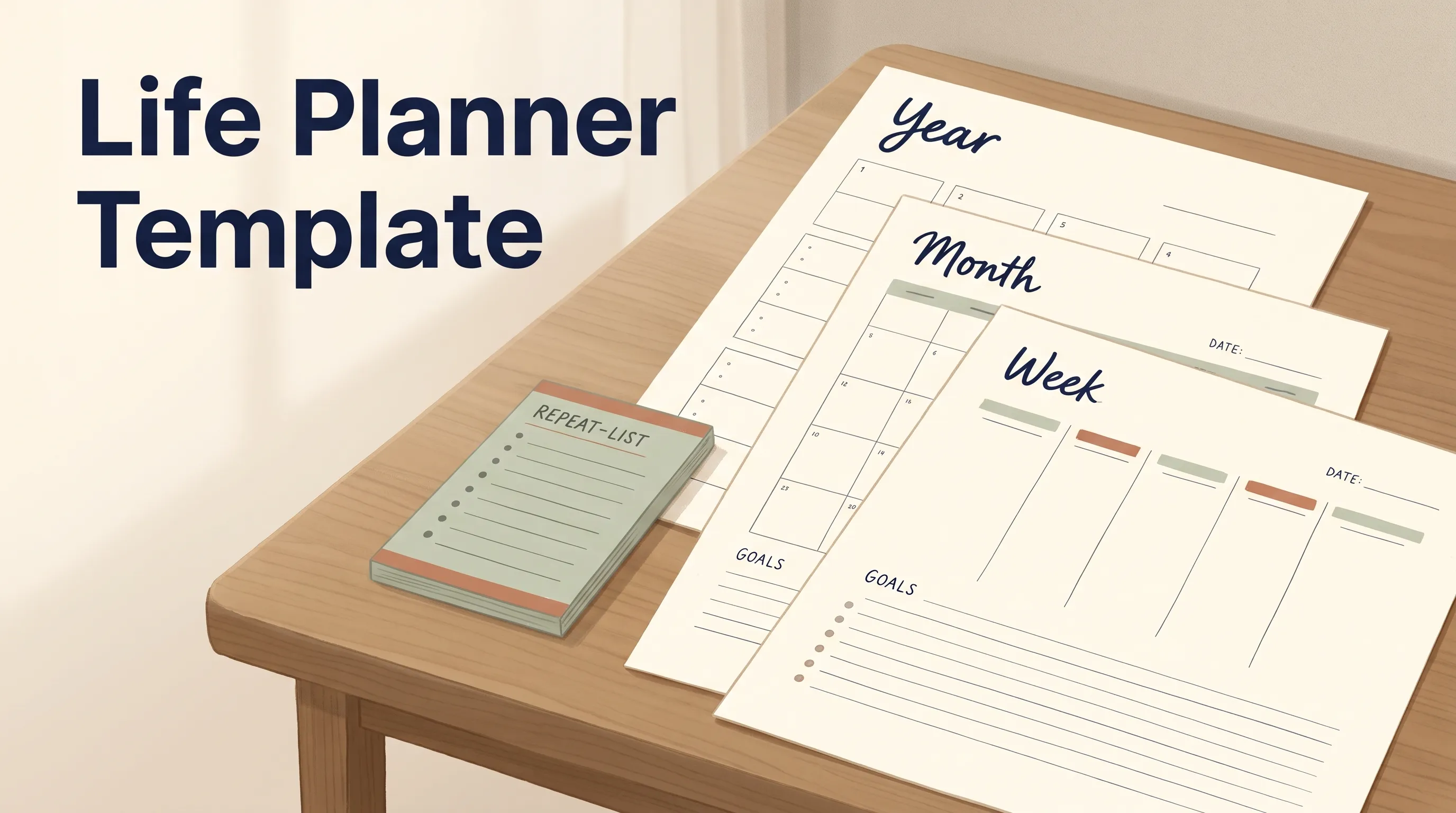
Life Planner Template: The Sections Worth Keeping, With a Copyable Layout
Life planner template layout for year, month, and week. Copy the fields, keep recurring items in one place, and use a short review to keep plans current.
· 8 min read
Planner Templates
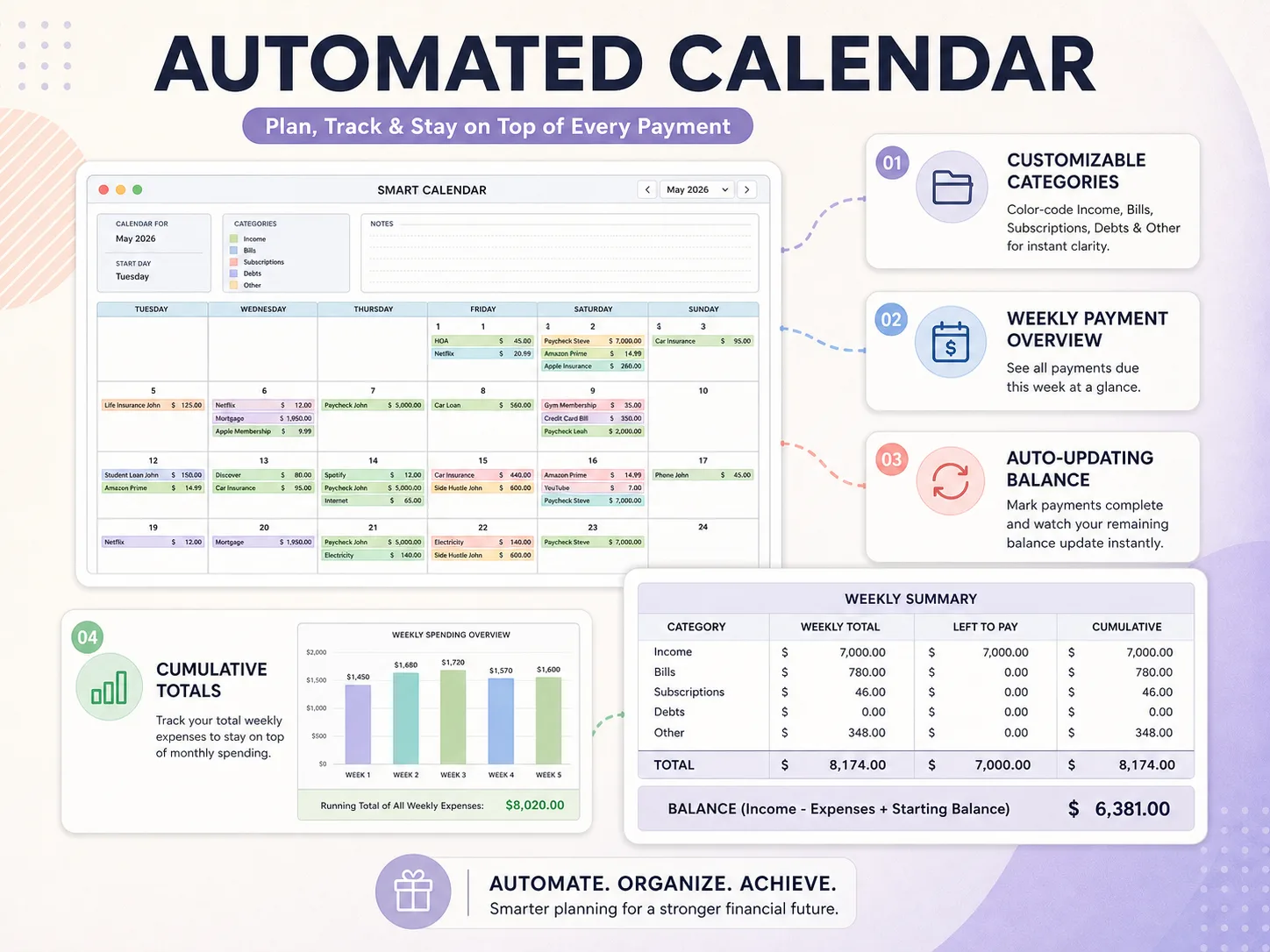
Google Sheets Planner Template: 8 Tabs Worth Copying, With a Real 60-Tab Example
A Google Sheets planner template is only useful if its tabs feed each other. See 8 tabs worth copying, how they link, and a real 60-tab Sheets and Excel bundle.
· 8 min read
